WP AI Client — Unified Provider Interface
WordPress now ships a native AI abstraction layer. Instead of managing separate API clients per feature — custom REST endpoints, per-feature API keys, isolated auth flows — you configure a single provider under Settings > Connectors and every plugin on the site consumes it through a shared, provider-agnostic interface.
Default connectors: OpenAI, Anthropic, Google. Custom connectors are registerable. The using_model_preference() function lets plugins declare model priority order, routing requests to the cheapest capable model first — which has a direct impact on running costs at scale.
Action required: Audit every existing AI integration. Running legacy custom endpoints in parallel with the WP AI Client creates authentication edge cases. Consolidate as soon as your plugins declare support.
Abilities API — Full Client-Side Extension
Introduced in 6.9, now fully extended to JavaScript. The model is simple: register what your plugin can do, expose it to the AI layer, and any AI tool — including the native Command Palette (⌘K / Ctrl+K) — can discover and execute it without custom UI scaffolding.
Two packages ship: @wordpress/core-abilities for server-registered abilities auto-fetched via REST and reactive via useSelect, and @wordpress/abilities for purely client-side registration. Abilities are organized in customizable categories and surface directly in the editor.
This is the end of building glue code for every AI integration point. Register the capability once — discovery and execution are handled by the AI layer.
PHP-Only Block Registration
Blocks can now be registered and rendered entirely server-side. No JavaScript, no React, no build pipeline. Declare autoRegister: true alongside a render callback and WordPress auto-generates inspector controls from your attribute definitions and exposes the block to the client automatically.
For any block that doesn’t require client-side interactivity — CPT queries, dynamic field outputs, taxonomy displays — this removes the entire JS build dependency. Faster to develop, simpler to maintain, zero wp-scripts overhead.
iFrame Editor — Breaking Change You Cannot Ignore
The editor now enforces iFrame mode when all inserted blocks use Block API v3 or higher. Blocks on lower API versions disable iFrame for backwards compatibility — but full enforcement is planned for 7.1. You have one release cycle.
Any block with direct document or window references outside the iFrame scope will break in strict iFrame mode. Audit all custom blocks now. Declare apiVersion: 3 in block.json and remove any global scope dependencies before 7.1 ships.
For JetEngine-heavy builds specifically: blocks nested inside contentOnly patterns must declare "role": "content" on content attributes in block.json or they will be hidden in List View.
Real-Time Collaboration — Pulled
Removed from 7.0 on May 8 due to late-stage bugs and performance failures. The CRDT-based sync architecture is built but not shipping. Now targeting 7.1 or 7.2. Do not communicate this feature as available — get ahead of client expectations now.
Notable Additions
| Feature | Detail |
|---|---|
| Visual Revisions | Slider-based diff comparison directly in the editor |
| Block-level CSS | Per-block custom CSS, no plugin required |
| Font Library page | Dedicated font management UI in wp-admin |
| Command Palette | ⌘K / Ctrl+K accessible site-wide |
| Client-side image processing | Upload processing moves to browser — reduces server memory pressure |
| New core blocks | Headings, Icons, Breadcrumbs |
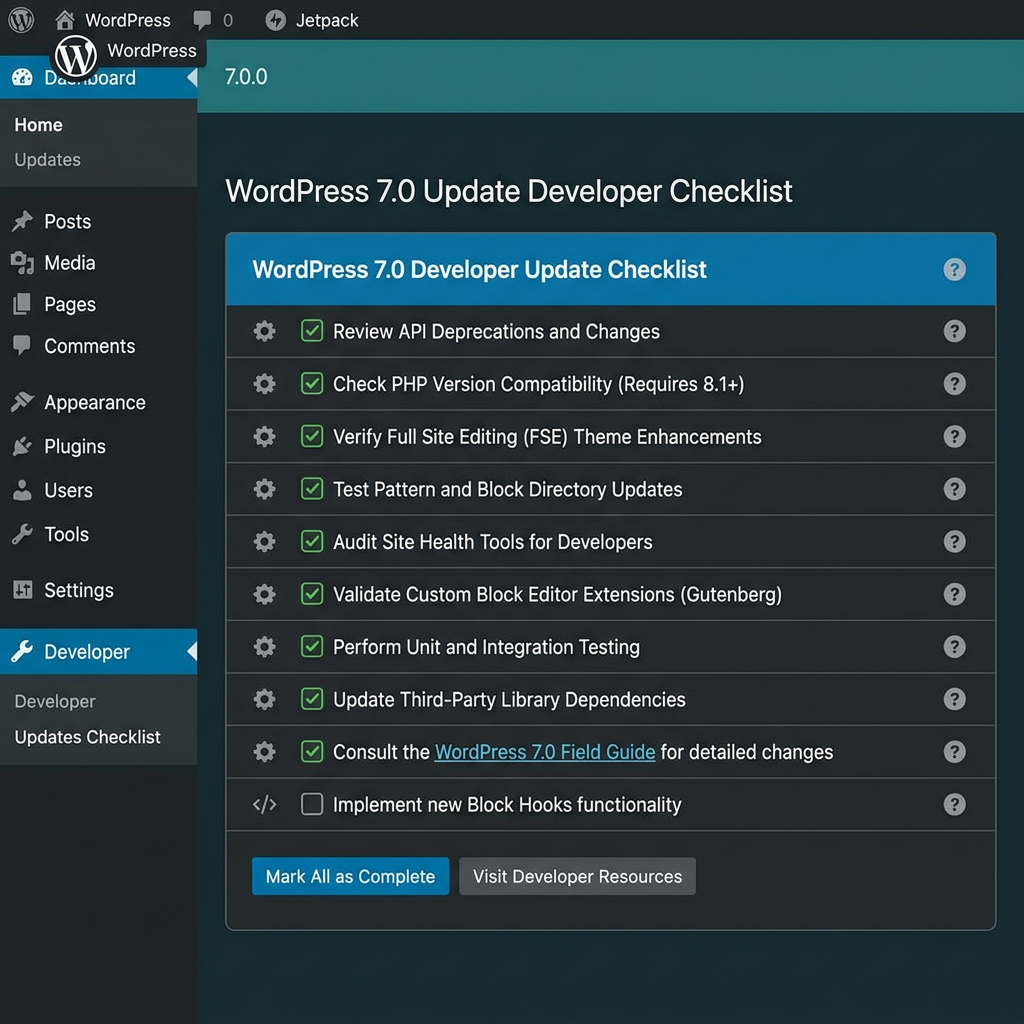
Pre-Update Checklist — Complex Stacks
Stage first. No exceptions on Elementor + JetEngine + PMPro builds.
- All custom REST endpoints tested and responding correctly
- Existing AI integrations validated against the new Connectors layer
- Custom blocks audited for
document/windowreferences (iFrame regression) - JetEngine blocks verified for
"role": "content"incontentOnlypatterns - SiteGround cache exclusions reviewed — admin routes and logged-in user sessions
ANALYZE TABLErun post-update — 7.0 introduces new DB tables for AI and connector config- Query Monitor checked for slow queries introduced by schema changes
- PMPro membership gating validated end-to-end
Upcoming Releases
| Release | Target | Focus |
|---|---|---|
| 7.1 | August 2026 | Real-time collaboration, full iFrame enforcement |
| 7.2 | December 2026 | Expanded collaboration, native multilingual foundations |
Complex stack needing a 7.0 compatibility audit? DTS Web Studio handles staging migrations and pre-update reviews.